


Web Design Agency | 2026 Complete Website Experts: Affordable Prices, Hassle-Free Solutions

Don't know programming or web design? Want to build a company website but worried about the high cost and subsequent maintenance hassles? Our 2026 latest web design strategy explains everything, offering affordable, one-stop website building solutions specifically designed for SMEs. From design and launch to ongoing maintenance, we handle everything. Zero technical barriers, zero hassles, easily create a professional and customer-attracting website.
When it comes to "web design," many people might immediately think of the website's appearance, but it actually encompasses layout, color scheme, user flow, and content design. Simply put, it's the process of determining how a website is presented to users.
Therefore, to create a successful website, you can't just pursue aesthetics; you also need to consider the following core elements:
Mastering these key points will lay a solid foundation for your website, making it not only aesthetically pleasing but also a driving force for traffic and conversions!
After understanding the above considerations, the next step is to determine the "website's purpose" and "target audience." Different types of websites will have different functions and styles, so understanding your own needs is crucial to creating a website that truly delivers value.
Here are some common website types:
These different types of websites have different design needs and functions, requiring the selection of appropriate tools and architectures. If you are considering which type of website is right for you, the following article can help you find your direction faster!
When users enter a website, what do they notice first? Colors, fonts, typography, or buttons? These all fall under the category of UI.
If a website is clunky, disorganized, and users can't find the information they need, even with a visually appealing interface, they might still leave. This is where UX (User Experience) comes in.
When discussing "website design," you often hear the terms UI (User Interface) and UX (User Experience), which represent different concepts:
UI primarily focuses on the website's visual presentation, such as button design, typography, color schemes, and page layout, ensuring the website looks professional, aesthetically pleasing, and attractive. Simply put, UI design determines "what the website looks like."
UX design focuses on user experience, ensuring the website operates smoothly and is easy to understand, allowing users to quickly find the information they need and complete operations, such as checkout processes, navigation paths, or form filling.
The core of UX design is to improve "user comfort," encouraging users to stay, increasing interaction, and ultimately improving conversion rates.
For example, if UI is like a restaurant's decor and plating, then UX is the overall experience from reservation to dining. They influence each other and are indispensable.
Establishing a clear user flow and website structure is an essential step in website design. This not only affects the user experience but also relates to the website's SEO performance and conversion rate.
A user flow refers to the path a user takes from entering a website to achieving a specific goal. For example:
Business Website: Homepage → About Us/Services → … → Contact Us
Shopping Website: Homepage → Product Page → Shopping Cart → Fill in Shipping and Payment Information → Checkout → Order Completed
Blog Website: Homepage → Article Page/Category Page → … → Subscribe to Newsletter
A good user flow should be intuitive, simple, and have a low bounce rate, ensuring users can quickly find the information they want, thereby improving conversion rates.
Website architecture determines the relationships between pages and the way pages navigate, impacting user experience and search engine optimization (SEO). A good website architecture should be clear and hierarchical, allowing users to quickly find the information they need.
Hierarchical architecture is currently the most common type, applicable to almost all websites. This tree-like architecture is very intuitive, with clear page hierarchies, allowing users to easily find the information they need regardless of which page they enter the site from.
The general hierarchy, from top to bottom, is as follows:
The number of main category pages depends on the breadth of the website's content, the accuracy of the naming, the user's typical search goals, and the priority of different items. Logical categorization and clear naming are paramount!
This design helps simplify the user path, allowing users to find the content they want within approximately 3-4 clicks.
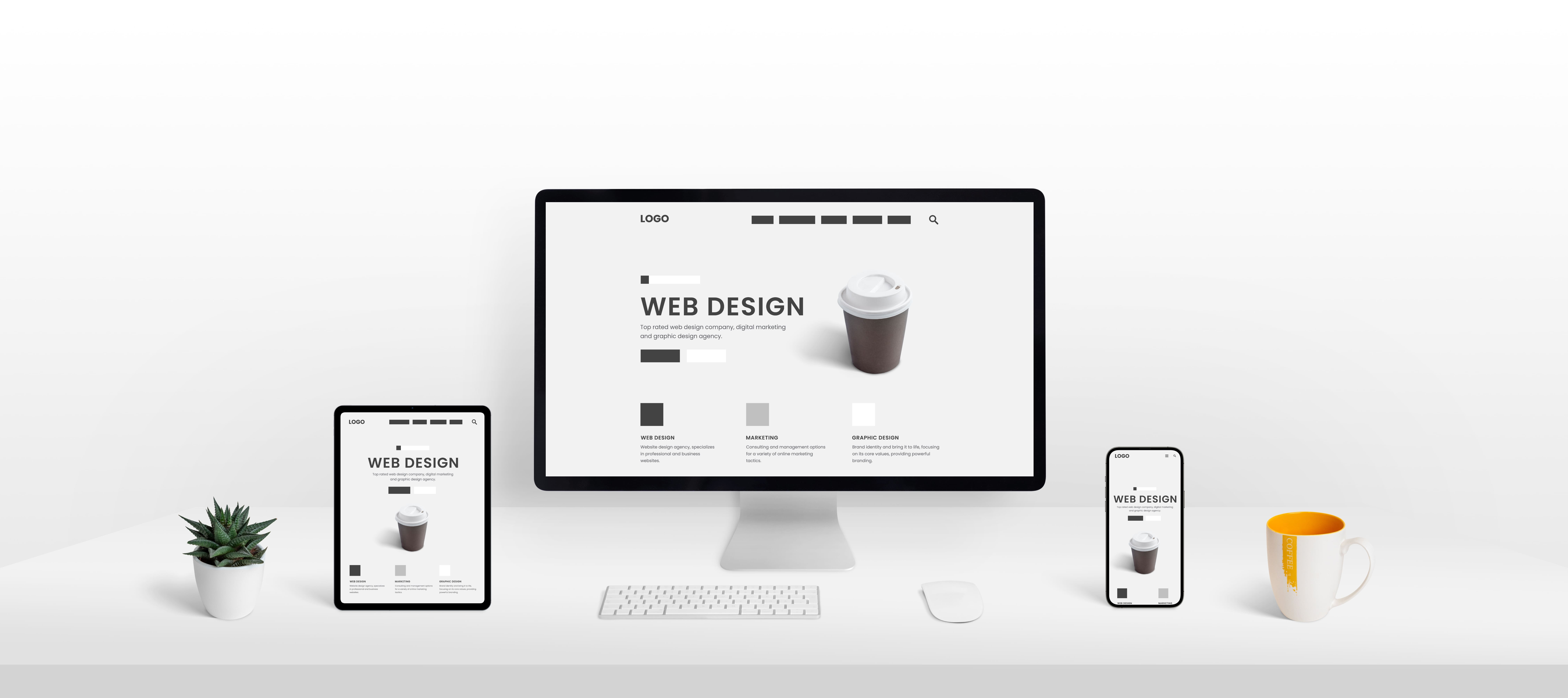
Website browsing is now incredibly diverse, with access via desktops, laptops, tablets, and mobile phones. Therefore, websites must ensure the best user experience regardless of the device.
Among mobile devices, phones and tablets are the most widely used. Therefore, Google uses mobile website content as a basis for indexing and ranking, making mobile-first design even more important.
Responsive Web Design (RWD), also known as adaptive design, allows websites to automatically adjust their layout and element arrangement according to the device's screen size, ensuring an uninterrupted experience across devices.
In the past, mobile and desktop websites were written with different code; now, desktops, tablets, and mobile phones use the same HTML code and CSS file, saving significant development and maintenance costs.
Ready to launch your business website or redesign project?
Don't worry about insufficient materials or communication barriers. East Tech has a professional website consulting team that can guide you through the entire process in a way you understand!
Contact East Tech's professional web design consulting team now